You’ve got a promotion scheduled, inventory to move, and an SMS segment that clicked the last offer but didn’t buy much without a code. The easy response is a bigger discount. The harder question is what subscribers will expect when your next message arrives.
A typical text program starts with a signup discount, adds a cart discount, then repeats sale reminders until shoppers learn that waiting usually pays. That’s expensive conditioning for a Shopify brand already paying to acquire the customer. A useful SMS marketing template should give shoppers a reason to act without making another markdown feel inevitable.
These eight SMS marketing examples source urgency from something you can explain: a closing window, actual stock, earned access, or a capped reward. Each includes adaptable copy, a sending decision, an audience, and the margin trade-off. Welcome and reorder messages also belong here because a healthy calendar needs helpful texts between urgent promotions.
Treat the examples as copy components, not universally compliant messages. Replace bracketed fields with verified details, identify your brand, and confirm that your sending platform supports the stated opt-out method. Before scheduling anything, ask what changes if the shopper waits. If the answer is nothing, remove the urgent language.
1. Flash Sale Launch Alert
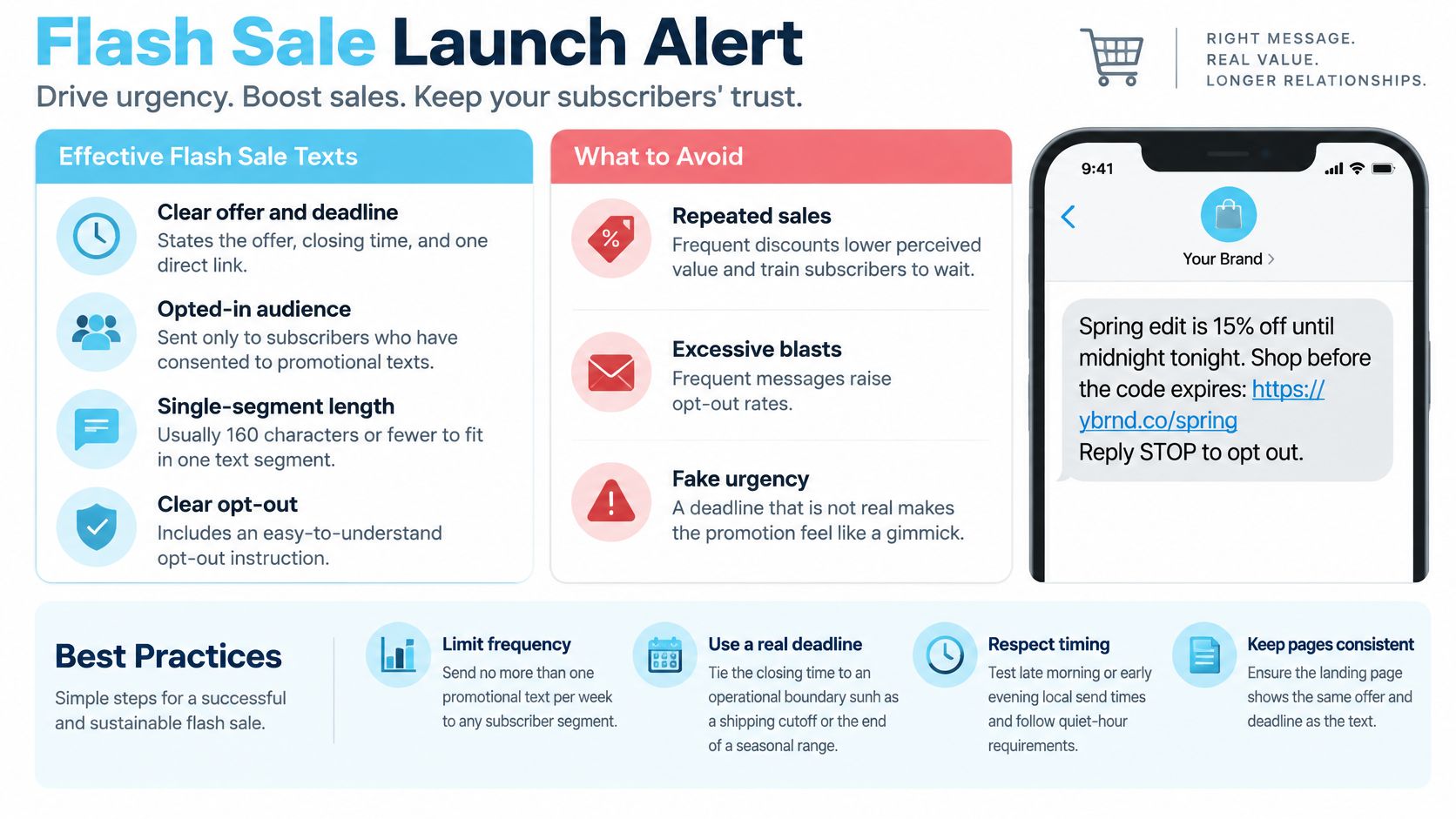
A flash sale text works when the closing time means something. A seasonal assortment leaving the store gives shoppers a genuine decision window. A sale that restarts after expiring gives them a reason to distrust the next deadline.
Adaptable SMS copy
[Brand]: Our spring edit offer closes [day, time, time zone]. Shop eligible styles before the code expires: [offer URL]. Reply STOP to opt out.
Send this to opted-in subscribers who’ve browsed the collection, bought related products, or expressed interest in that category. Exclude recent purchasers when the offer would immediately undercut their purchase, unless you have a clear price-adjustment policy.
For example, a linen retailer could align the promotion with the end of its seasonal range. The product page, discount settings, email, and SMS should all show the same closing time.
Keep the deadline operational
- Limit exposure: I’d start with no more than one promotional text per week for each subscriber segment, then adjust against purchases and opt-outs.
- Test timing: Compare late-morning and early-evening delivery in the recipient’s local time, within applicable quiet hours.
- Close consistently: Disable the offer when promised rather than extending it because sales missed the target.
The margin risk sits in discounting purchases that would’ve happened anyway. Select eligible products deliberately instead of defaulting to a storewide reduction.
The flash sale ideas guide offers ways to structure the event around a defined purchasing moment rather than another routine markdown.
2. Abandoned Cart Recovery Text
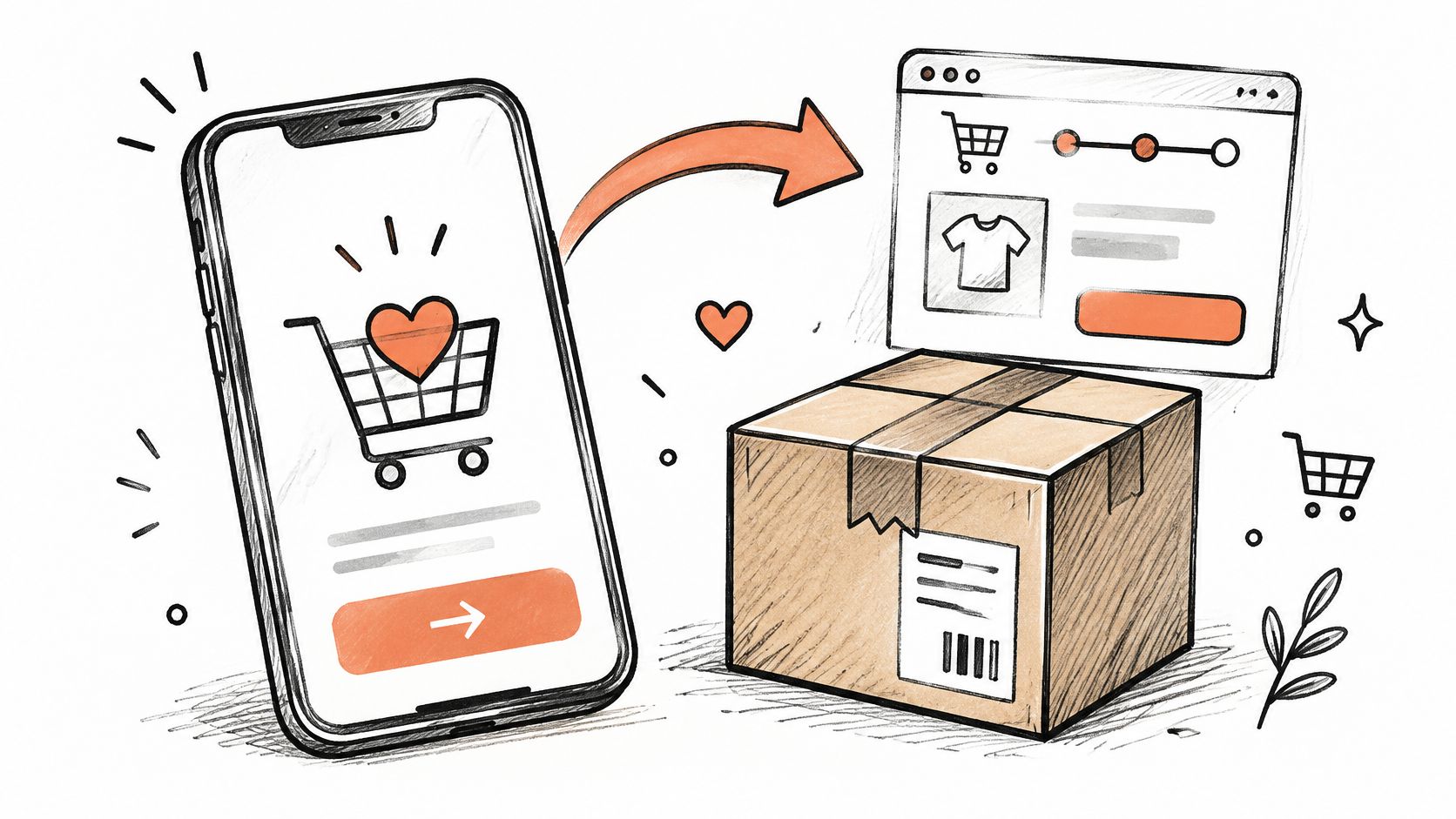
A saved cart isn’t automatically a request for a coupon. The shopper might need delivery information, reassurance about returns, or an easy way back to checkout.
Start with the product and the missing information, not a price concession.
Reminder version
[Brand]: Your cart with [product] in [color] is saved. Pick up where you left off: [cart URL]. Reply STOP to opt out.
Objection-handling version
[Brand]: Still deciding on [product]? It ships within [verified dispatch window]. Review your cart: [cart URL]. Reply STOP to opt out.
For an apparel store, the second version could point to a cart destination with delivery estimates and the returns policy clearly visible. Don’t promise dispatch speed that the warehouse can’t support.
Trigger from intent, suppress after purchase
As a starting workflow, send the first reminder within an hour or two, with one follow-up only if the shopper hasn’t purchased. Recheck purchase status immediately before sending, not just when the customer enters the flow.
A checkout phone number alone isn’t marketing permission. The UK Information Commissioner’s PECR guidance explains that consent is channel-specific and that the limited soft opt-in has conditions, including opportunities to refuse marketing.
The cart abandonment recovery guide can help you separate checkout friction from incentive decisions. The margin risk is behavioral: routinely sending a coupon after abandonment can make abandoning the cart part of the customer’s buying process.
3. Back-in-Stock Notification
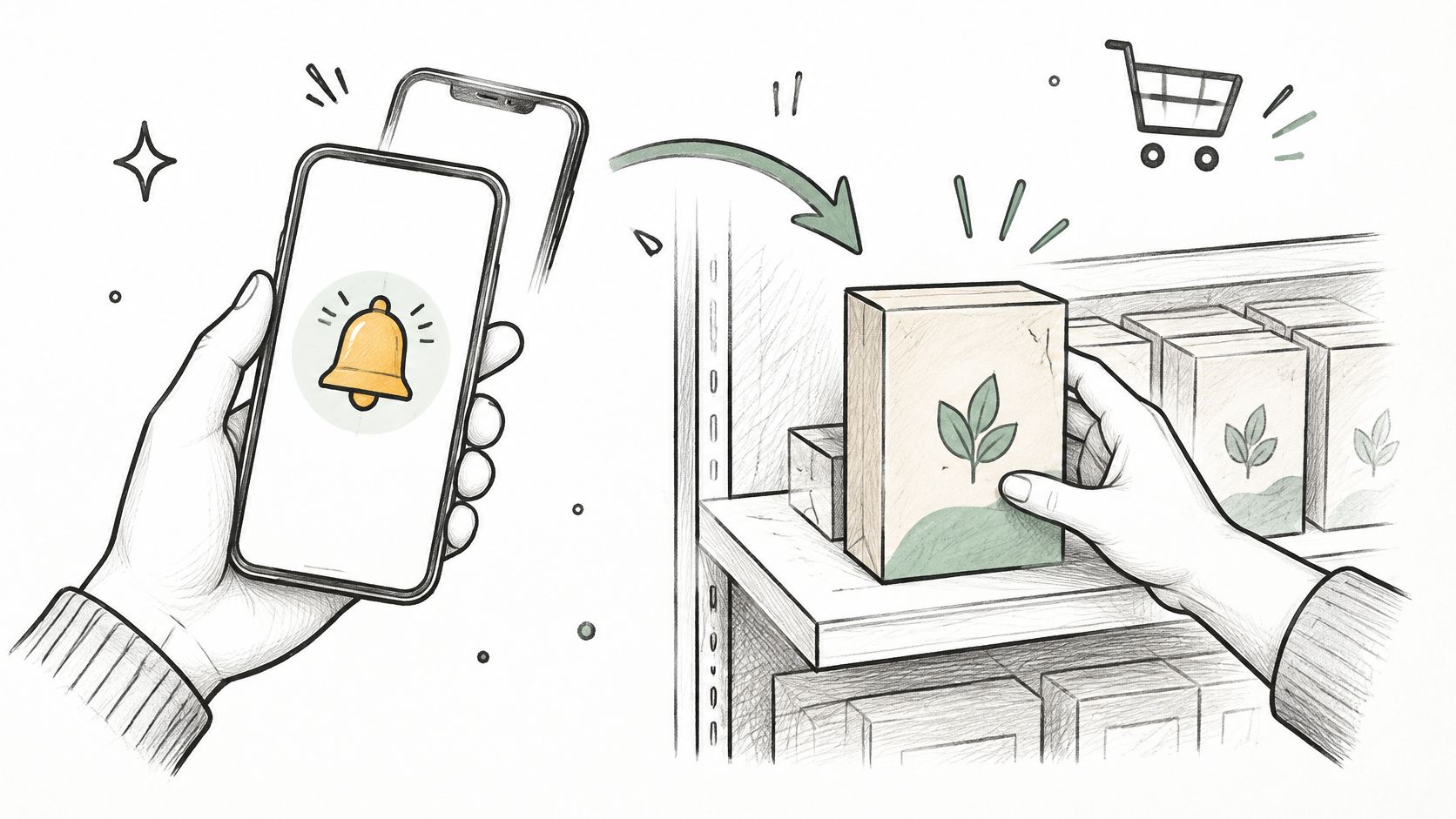
The customer wanted a particular product, couldn’t buy it, and requested an alert. Your job is to complete that request, not turn it into a general sale announcement.
Adaptable SMS copy
[Brand]: [Product] in [size/color] is back in stock. Check current availability: [variant URL]. Reply STOP to opt out.
A footwear merchant should send the alert for the requested size and color, not merely because another variant returned. Link directly to that selection and make its current availability visible.
Sell availability before adding an incentive
This is a strong place to preserve full-price selling. The customer already expressed product interest; adding a discount changes a service notification into a concession.
- Match the request: Use the exact product and variant, with permission appropriate to the notification.
- Coordinate release: If stock is limited, release alerts in manageable groups rather than notifying everyone simultaneously.
- Review sell-through: Compare requested variants with what sells after replenishment to inform reorder decisions.
Automation deserves its own measurement framework. In a benchmark covering more than 246 million SMS sends, Omnisend reported a 20.34% click-through rate for automated SMS, versus 12.39% for campaign messages; those are broad benchmarks, not restock-specific predictions.
The back-in-stock guide explores the notification workflow. The trade-off is operational: an alert that lands after stock disappears can frustrate the shopper, so inventory synchronization matters more than more forceful copy.
4. Welcome Signup Offer
Your welcome text establishes what joining means. If every word is about saving money, subscribers have little reason to value the relationship beyond the next discount.
A useful first message confirms the program, delivers the promised benefit, and sets expectations.
Perk-led version
Welcome to [Brand] marketing texts. Expect [frequency]. Your first-order perk: [offer URL]. Msg & data rates may apply. Reply HELP for help or STOP to opt out.
Non-discount version
Welcome to [Brand] marketing texts. Expect [frequency]. Explore your subscriber styling guide: [guide URL]. Msg & data rates may apply. Reply HELP for help or STOP to opt out.
These are starting components, not a substitute for reviewing signup disclosures and market-specific requirements. The Insider One compliance guide describes prior express written consent for US marketing texts and recommends initial confirmation details including identity, frequency, rates, HELP, and STOP instructions.
Make the first benefit worth keeping
For a skincare store, a routine-selection guide can help a subscriber choose products without immediately reducing price. For a launch-driven apparel brand, access to an upcoming collection may fit better.
Practical rule: Deliver the benefit the signup promised before asking for another commitment.
If you offer a first-order incentive, state its eligibility and actual expiration on the landing page. Enforce those conditions through your discount setup.
The margin risk is the opening expectation. A generous welcome offer may win an order, but you still need a reason for the customer to return at a sustainable price.
5. Early Access Preview for Subscribers
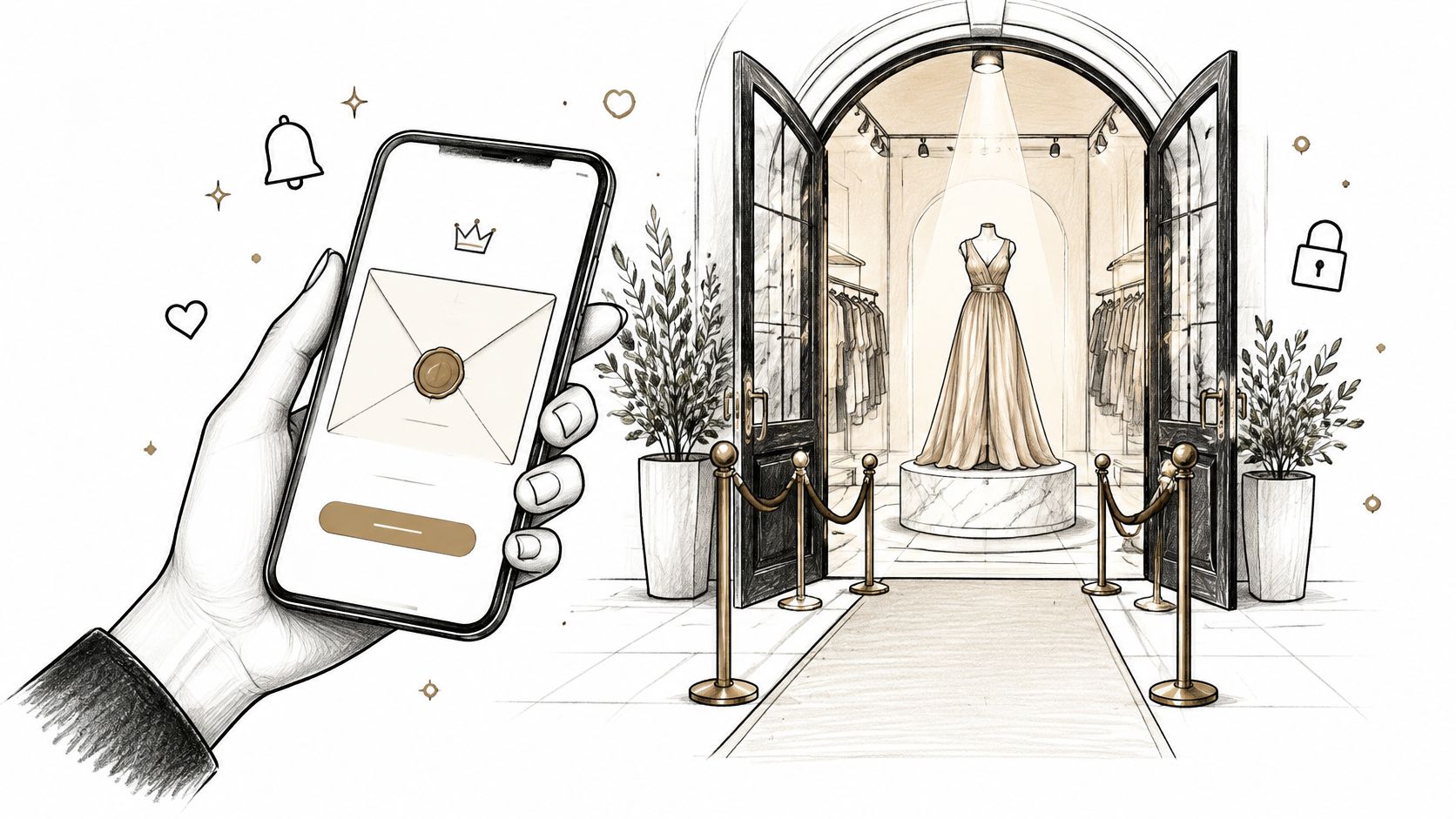
Early access rewards joining and staying engaged instead of waiting for a markdown. The benefit is an earlier opportunity to buy, which lets the product retain its regular price.
Adaptable SMS copy
[Brand]: Your subscriber preview of [collection] is open. Public access begins [day, time, time zone]. Explore the drop: [access URL]. Reply STOP to opt out.
For a limited capsule collection, give eligible subscribers a genuine preview before public launch. Define eligibility before sending, such as subscription tenure or purchase history, and make sure the access destination enforces it.
Access must be meaningfully different
Commitment and consistency make this tactic useful: subscribers receive a benefit connected to their existing relationship with the brand. The invitation should recognize that relationship without inventing status or claiming exclusivity that doesn’t exist.
- Protect the window: Don’t publish the same unrestricted destination across public channels during the preview.
- Allow realistic participation: Give busy shoppers enough time to act, while keeping the public opening fixed.
- Measure continued value: Review repeat purchases and full-price purchasing, not just launch-day clicks.
The margin risk is usually lower than with an automatic discount, but there’s an allocation trade-off. If early shoppers consume all available stock, the public launch may disappoint customers who never had access.
Don’t promise reserved inventory unless you’ve reserved it. Early access means an earlier chance to shop, not guaranteed availability, and the message should preserve that distinction.
6. Capped Reward Claim Alert
A capped reward makes the offer’s limit explicit. Shoppers can understand what they receive, who qualifies, and what happens when the available claims run out.
Quantity-capped version
[Brand]: A gift with qualifying orders is available to the next [claim cap] shoppers. See eligibility and current availability: [reward URL]. Reply STOP to opt out.
Descending-tier version
[Brand]: Your eligible reward steps down after [remaining claims] more claims. Check the current tier before ordering: [reward URL]. Reply STOP to opt out.
For example, a homeware merchant could allocate a fixed batch of accessories as gifts with eligible purchases. Start with a single reward before introducing tiers, so support and fulfillment can verify the experience easily.
Treat the cap as a promise
Scarcity bias matters because a genuinely limited opportunity gives waiting a consequence. Loss aversion helps explain the descending-tier decision: the shopper can see that the currently available benefit may change.
Neither principle excuses inaccurate claims. A message’s remaining-claim count can become stale after delivery, so only include it when the system supplies an accurate value and the landing page shows current availability.
- Budget the reward: Include gift cost, packing, shipping impact, and discount stacking.
- Show the rules: Display qualification, caps, and redemption conditions on the storefront.
- Watch downstream effects: Review first-time conversion alongside returns and reward-related support contacts.
A capped reward protects margin only when the cap, qualification rules, and fulfillment costs are controlled.
Avoid stacking the reward onto another promotion by accident. The economic benefit comes from controlled exposure, not just replacing a percentage discount with an uncosted gift.
7. Post-Purchase Thank You and Reorder Prompt
A refill reminder can be useful without pretending there’s a sale deadline. Its urgency comes from the customer’s likely need, so timing and product knowledge matter more than promotional language.
Reorder version
[Brand]: It may be time to replenish your [product]. Check your supply and reorder your usual: [product URL]. Reply STOP to opt out.
Thank-you version
[Brand]: Thanks for your order. We hope you’re enjoying [product]. Ready for a refill? Find your usual here: [product URL]. Reply STOP to opt out.
A coffee merchant could estimate replenishment from the purchased pack size and the customer’s previous order interval. Account for delivery before starting that interval, and avoid treating an uncertain usage estimate as a fact.
Keep service and marketing separate
Order updates and promotional reorder prompts serve different purposes. Don’t assume permission to send delivery notifications also authorizes an ongoing marketing flow.
- Suppress obvious mismatches: Exclude refunded orders, unresolved complaints, and customers who’ve already reordered.
- Use a specific destination: Link to the purchased product or a supported reorder experience, not the homepage.
- Check incrementality: Review whether the flow creates additional repeat business or merely moves the next purchase earlier.
Opt-out handling must span the program, not just this flow. The UK Information Commissioner’s electronic-mail marketing guidance says businesses must make withdrawal straightforward and stop covered marketing immediately or as soon as possible.
The margin risk is unnecessary subsidy. A customer who needs their usual refill may need a convenient route back, not another discount.
8. Low Inventory Scarcity Alert
Low inventory deserves a text only when the stock constraint matters to the recipient. A storewide list doesn’t need an alert about every variant approaching its reorder threshold.
Limited-run version
[Brand]: Only a few [product] in [size/color] remain. This production run won’t be restocked. Check availability: [variant URL]. Reply STOP to opt out.
Final-batch version
[Brand]: The final batch of [product] is nearly sold out. View current availability before ordering: [product URL]. Reply STOP to opt out.
Use these messages for shoppers who requested that product, recently viewed the relevant variant, or have a clear category interest. Only state that a run won’t return when the merchandising team has confirmed it.
Let inventory determine the claim
Set alert thresholds with whoever manages stock. Account for committed inventory, sales across other channels, and the delay between scheduling and delivery.
A Shopify product page should show current availability when the shopper arrives. If inventory changes quickly, avoid hard-coded unit counts that could be wrong before the recipient opens the text.
Credibility test: Could customer support explain the stock claim using the inventory record and replenishment plan?
This is scarcity bias grounded in actual availability, not manufactured countdown pressure. Avoid adding unsupported social proof such as claims that everyone is buying the product; inventory is enough.
The margin risk is less about discount depth and more about poor allocation and trust. You may accelerate sales of an item that would’ve sold at full price anyway, while disappointing subscribers who receive repeated sold-out destinations.
Reserve this template for meaningful constraints. If every product is always nearly gone, subscribers have little reason to believe you.
How each SMS template compares on timing, audience, urgency source, and margin impact
| Item | Recommended Timing | Audience Segment | Urgency Source | Margin Impact |
|---|---|---|---|---|
| Flash Sale Launch Alert | Late morning or early evening; no more than once weekly per segment | Subscribers opted in to promotional texts | Real promotion deadline tied to an operational boundary | Discounts can reduce margin; frequent sales may train shoppers to wait |
| Abandoned Cart Recovery Text | First text within an hour or two; one follow-up if needed | Shoppers with an abandoned cart and consented phone number | Saved cart and purchase intent, not an artificial deadline | Protects margin when used as a reminder without a discount |
| Back-in-Stock Notification | When the requested variant returns to inventory | Shoppers who requested an alert for that exact variant | Actual inventory restock and possible sellout | Supports full-price sales; avoid adding an unnecessary discount |
| Welcome Signup Offer | Immediately after opt-in confirmation | New subscribers who have opted in | Welcome, signup incentive, or useful resource | A large first-order discount can lower price expectations |
| Early Access Preview for Subscribers | Before the public launch, within a defined access window | Eligible loyal customers or long-term subscribers | Exclusive access before the public release | Protects brand value by rewarding access rather than discounting |
| Capped Reward Claim Alert | While the real claim limit or time window remains active | Subscribers eligible for the reward | Accurate claim cap or closing time | May lift conversion with a lighter average discount |
| Post-Purchase Thank You and Reorder Prompt | After delivery or near the product’s expected replenishment time | Customers who purchased consumable products | Relevant usage or replenishment timing | Supports repeat purchases without discounting the first sale |
| Low Inventory Scarcity Alert | When inventory reaches a verified low-stock threshold | Promotional subscribers interested in the item | Genuine limited inventory | Can move limited stock without a deep discount |
Building an SMS Calendar Around Real Limits
The strongest SMS programs aren’t the ones that send the most promotions. They’re the ones where every urgent message corresponds to something real: a closing window, an inventory constraint, or a reward with a capped limit. Helpful welcome, cart, and reorder messages keep the calendar useful without forcing urgency into every interaction.
Start by auditing your last quarter of texts. Mark which messages had a real deadline or availability change, which helped a shopper complete an existing intention, and which repeated a discount. Remove unsupported urgency, then decide whether the remaining message offers enough value to send.
Prioritize the customer’s current state
Build suppression and priority rules in your SMS platform before filling the calendar. A customer who just received a relevant restock alert shouldn’t immediately receive an unrelated sale reminder.
- Give relevant triggers priority: Prefer the requested product notification over a generic broadcast.
- Stop after conversion: Remove buyers from overlapping cart and promotional reminders.
- Change the information: If someone ignores a message, don’t keep repeating the same offer with stronger punctuation.
- Route by permission: Check country, consent source, message purpose, and suppression status before choosing the template.
Frequency controls matter alongside copy. Listrak’s SMS review describes clients using quiet-hours controls and frequency caps to manage compliance and performance.
Measure clicks, purchases, revenue per recipient, opt-outs, and contribution margin after the incentive and messaging costs. Judge the destination separately from the text: a strong click result with weak purchasing can point to mismatched terms, unavailable variants, or checkout friction.
For context, Klaviyo’s campaign benchmarks classify an SMS click rate of 14.6% or higher as great. That’s a comparison point, not a reason to accept unprofitable orders or aggressive messaging.
Quikly is one option for connecting SMS to promotions with actual time or claim limits. A single capped reward or descending tier gives the message a concrete event to describe, while the storefront shows current availability and terms.
Choose your next campaign from the customer’s situation, not an empty calendar slot. Preserve the discount budget for cases where an incentive is justified, and let product relevance, useful timing, and earned access do more of the work.
Quikly helps Shopify brands run on-brand promotions with rewards capped by time, claim quantity, or both. Visit Quikly to explore how a single reward or descending-tier offer can give your next SMS campaign a real reason for shoppers to act early.
Topics: SMS marketing template, Shopify SMS marketing, urgency text marketing, cart abandonment text, SMS promotions